

Agents
Give a familiar job to an assistant you can keep coming back to.
Some work comes around again and again: preparing for a meeting, catching up on email, or organizing customer documents.
An Agent keeps the instructions for that job. You give it new work in the same conversation, and improve how it helps as you go.
Start with a job you know
You might want an inbox assistant that helps you answer important messages, or a meeting assistant that turns scattered notes into a useful brief.
Choose something small enough that you can tell whether the answer helped.
Create your first Agent
Make a meeting assistant, give it a few notes, and try a follow-up.
Prefer another starting point? Browse the examples.
Come back when you need it
The Agents sidebar lists your assistants. Select an Agent to continue its conversation.
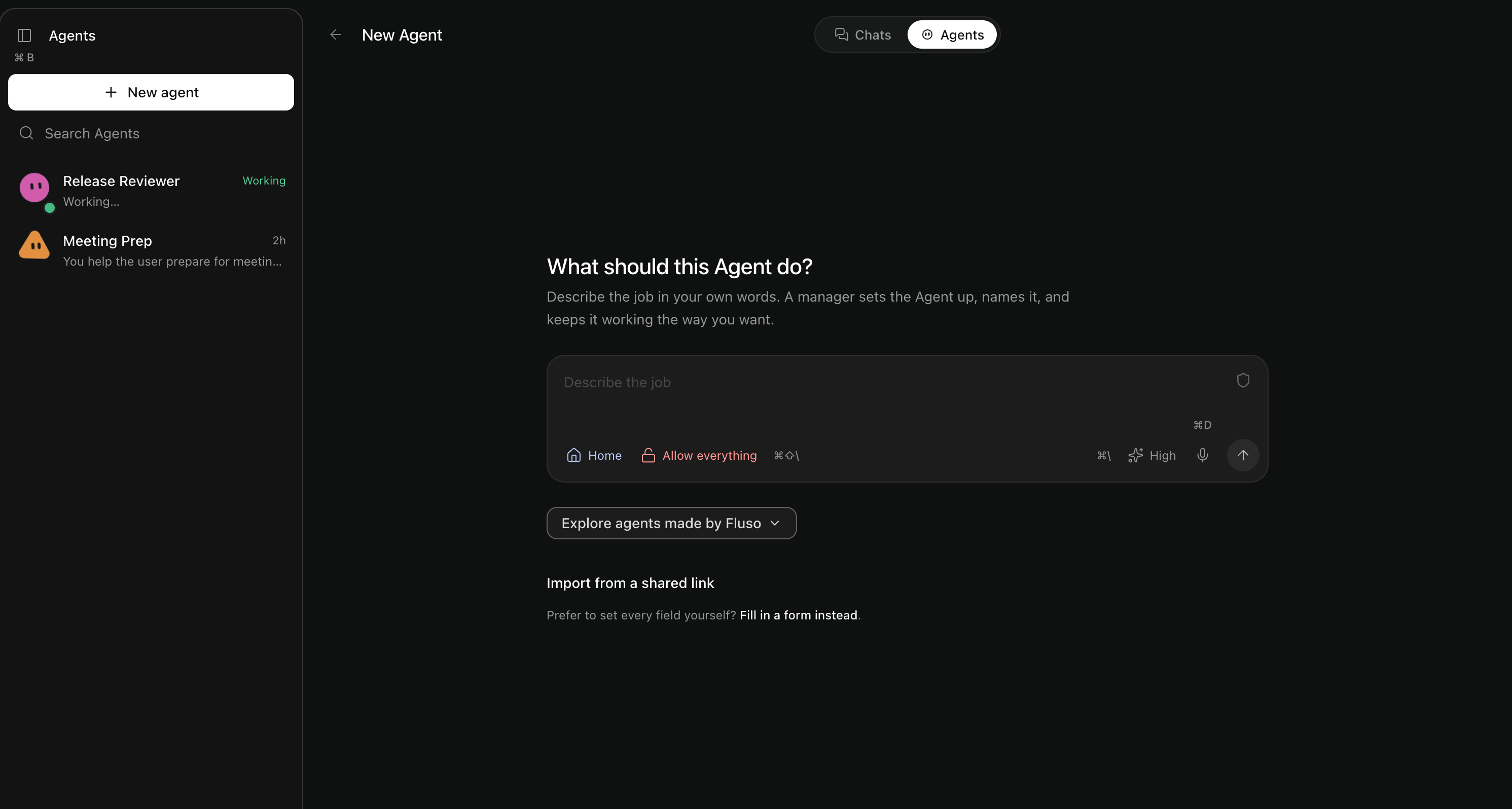
As you use it, you can improve its usual approach, schedule a task, or share a copy.
I don't see Agents in Fluso
These guides show Fluso Dev. If Agents is missing from your sidebar, your version of Fluso does not have it enabled.