

Your first Agent
Turn a few meeting notes into a brief you can use.
Let's make an assistant for meeting preparation. You supply the notes. It helps you see what matters and what you need to decide.
You can try this with pasted text, so there is no account to connect first.
1. Describe the help you want
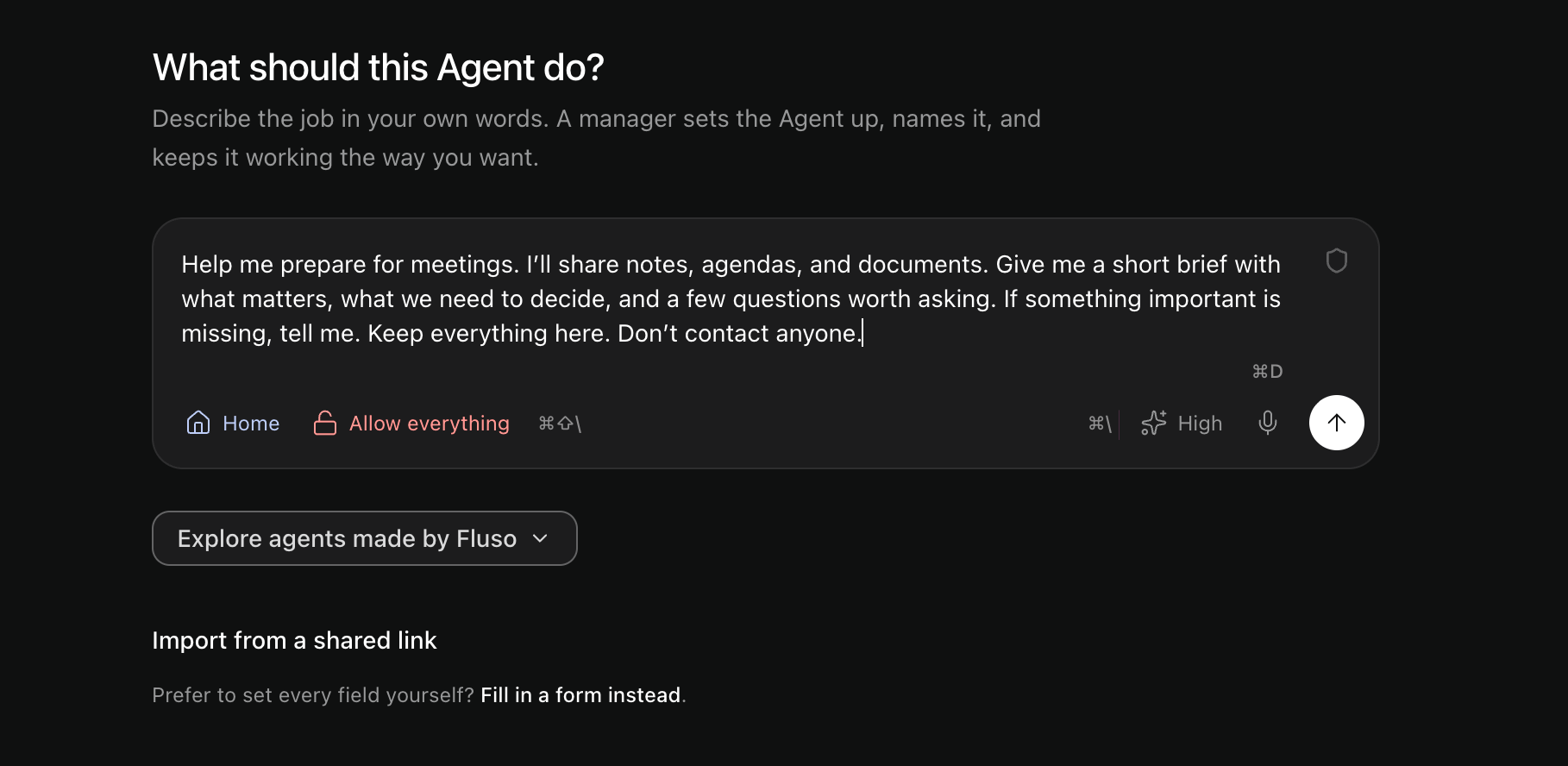
Select Agents → New Agent. Leave the project as Home for this walkthrough.
Write this in the message box:
"Help me prepare for meetings. I'll share notes, agendas, and documents. Give me a short brief with what matters, what we need to decide, and a few questions worth asking. If something important is missing, tell me. Keep everything here. Don't contact anyone."
Send the message.
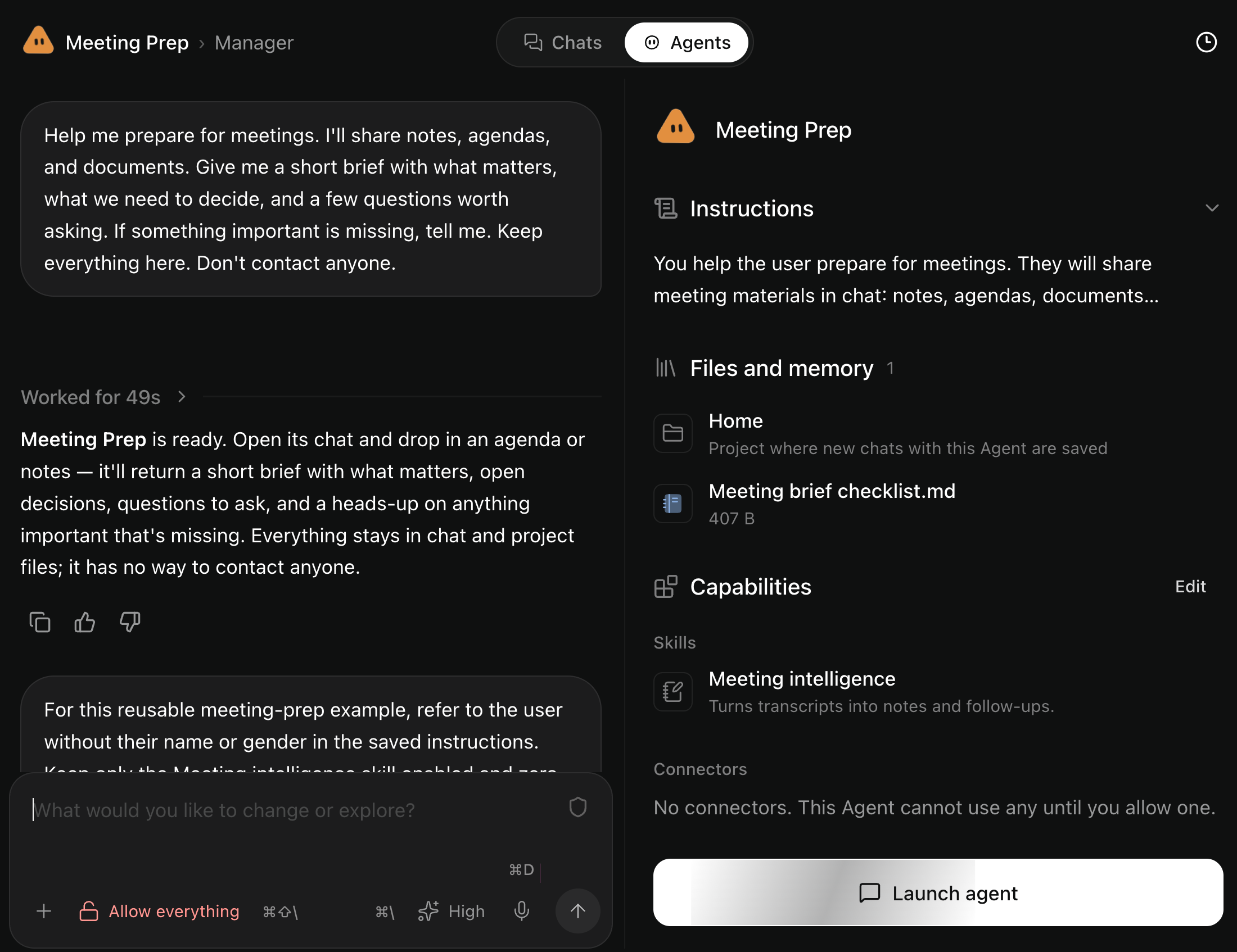
Fluso opens a setup conversation called Manager. It gives the Agent a name and saves instructions for how it should help.
Read the setup beside the conversation. Ask for a change there if needed. Select Launch agent when you are ready.
2. Give it something to work on
You are now in the Agent's working conversation. Paste your meeting notes, or try these sample notes:
"Help me get ready for tomorrow's planning meeting.
We're organizing a half-day workshop for 18 new colleagues next month. We have €1,200. The office room is free but seats 12. A nearby venue seats 24 and costs €450. We want a welcome session and a practical exercise. Lunch and the facilitator are undecided.
What do we need to settle in the meeting? Keep the brief short enough to read in two minutes."
Read the brief against your notes. It should notice the seating problem and leave undecided plans open.
3. Keep the conversation going
In our run, the Agent estimated costs we had not supplied. We corrected that and gave it a change to work with:
"We can use the larger office room after all. It seats 20 and is free. We don't have prices for lunch or a facilitator yet. Keep those as open questions and update the brief."
We also asked for a shorter version: three decisions, the missing costs, and one question to ask first.
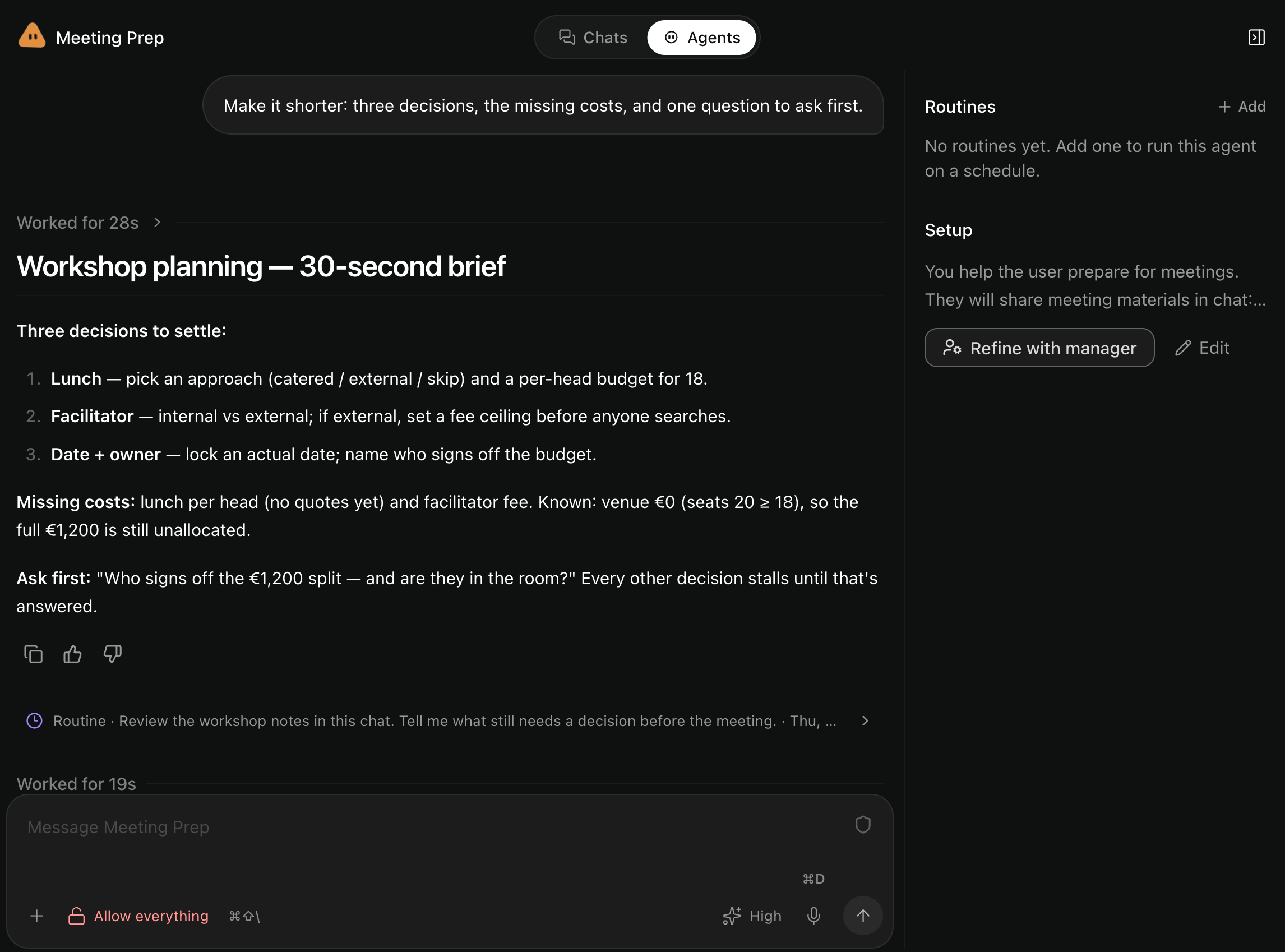
You can correct details, attach another document, or ask for a shorter answer in the same conversation. Select the Agent in the sidebar to return later.
When you find a way of working you want to keep, teach it your preferences.
Other ways to start
On New Agent, Explore agents made by Fluso offers starting points for research, project follow-through, inbox triage, and document review. Preview one to create your own copy. Manager helps with missing app connections.
Fill in a form instead lets you enter the setup directly. Continue setup lets you return to an unfinished creation.
For work with its own files, choose a project before starting. See Files and memory.