

Inbox
See what needs you without opening every Agent.
Select the bell icon at the bottom of the Agents sidebar to open Inbox. In the popup, select Open full Inbox to see approvals, failures, and routine results.
Select Routine updates to find a completed routine. Click its row to return to the conversation. Read the answer and open any files it produced.
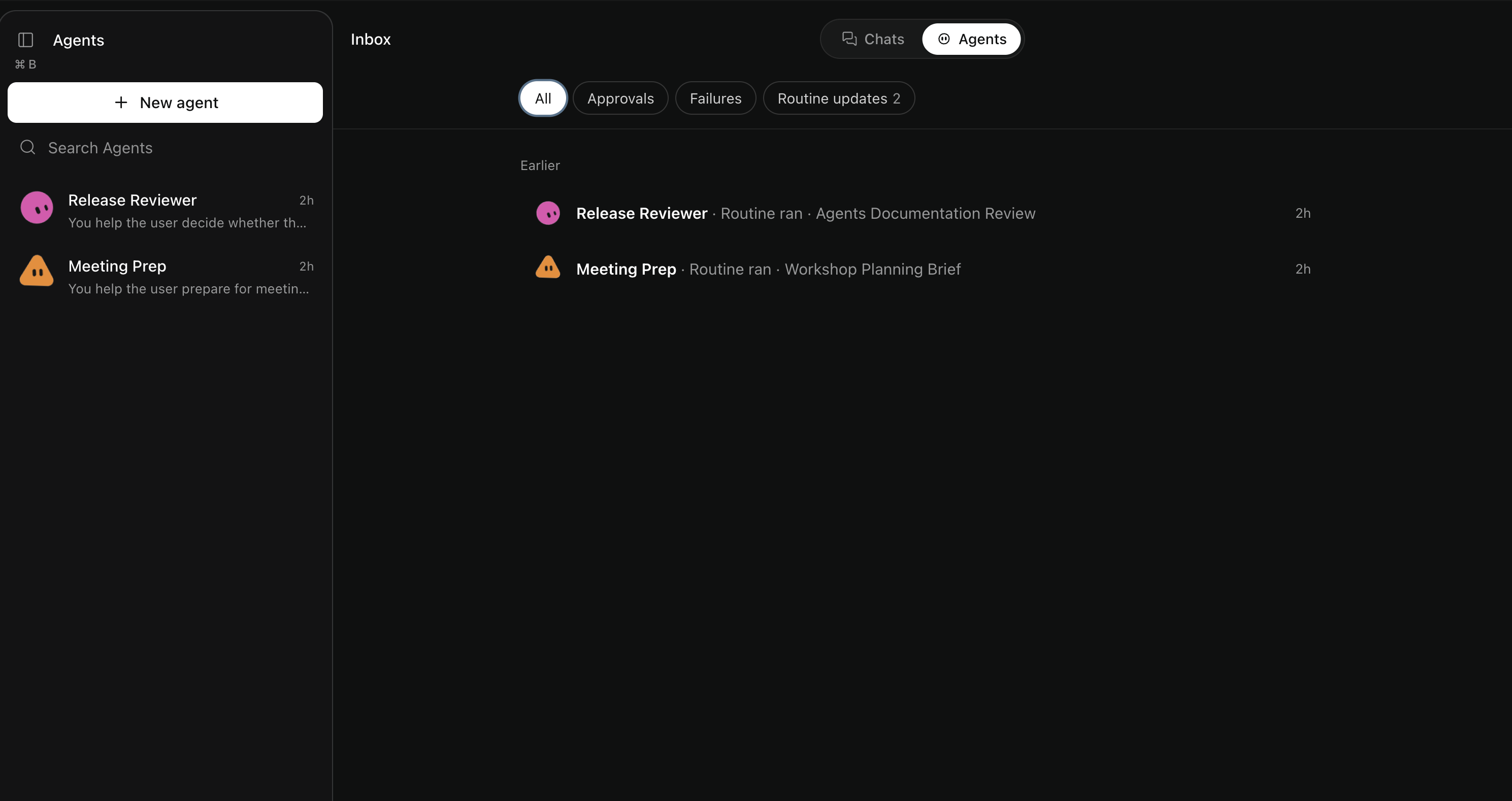
When something needs your attention
For an approval, read the requested action before allowing or denying it.
For a failure, check the error and any work already completed before retrying. A routine delivery failure may need a change in Routines.
The number beside Inbox counts unseen updates. Opening Inbox clears the unread state of displayed updates. It does not approve actions or resolve failures.
Find a particular update
Use All, Approvals, Failures, or Routine updates to choose the type of update.
An empty filtered list means nothing matches that view. It does not mean all work is complete.
More about filters and unread counts
Inbox shows recent updates rather than a complete history. Separate session results stay in their conversations, but their approvals can appear here.
Only updates displayed in a visible Inbox tab become seen. Filtered-out items keep their unread state. A changed update can become unread again.
Read state is shared across tabs in this browser. It does not sync across devices. Signing out or switching accounts clears it.